GoTable

Booking platform
Booking platform
Overview
Overview
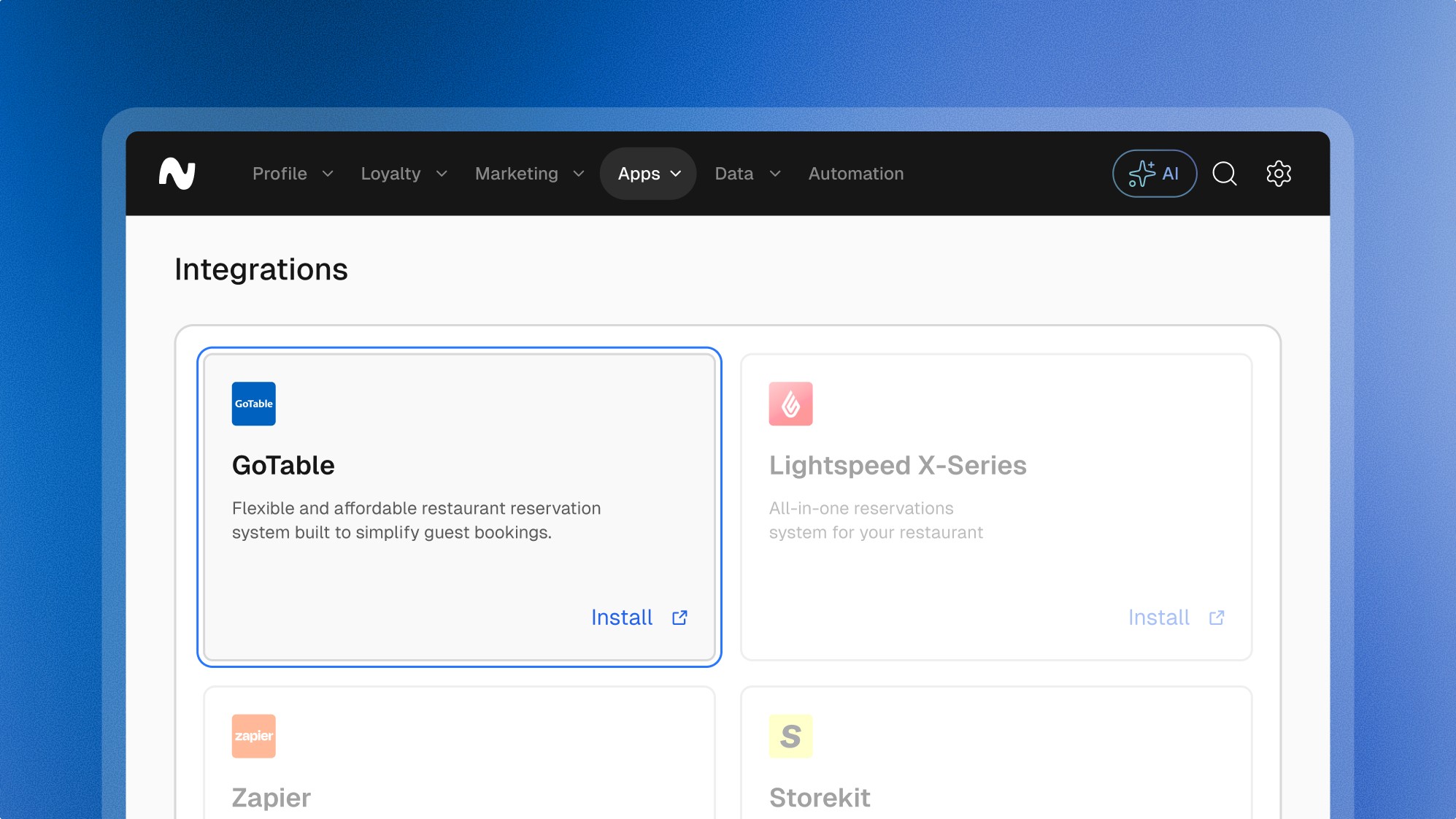
GoTable allows restaurants to manage reservations, walk-ins, and ticketed events with ease, all while offering a branded and user-friendly experience for guests. GoTable gives full control over the guest flow without unnecessary complexity or cost.
Features
Features
Loyalty
Giftcards
Pre-paid
Vouchers
Customer profiles
Explore more integrations
Explore more integrations
Explore more integrations



Frequently asked questions.
Frequently asked questions.
Frequently asked questions.
Frequently asked questions.
Frequently asked questions.
Can’t find the answer you were looking for?
Can’t find the answer you were looking for?
What is possible with the GoTable integration
Centralized Guest Profiles: Every GoTable reservation is automatically linked to customer profiles in Leat, helping you build a detailed database that grows with every booking.
Personalized Marketing Campaigns: Use booking data to create tailored campaigns - ike post-visit emails, no-show follow-ups, or special invites for frequent guests.
Loyalty Integration: Reward more than just purchases—connect reservations to your loyalty program and offer perks for showing up, rebooking, or referring friends.
Automated Journeys: Set up workflows that trigger based on reservation behavior, like sending a thank-you message after a visit or re-engaging guests who haven’t booked in a while.
Visit-Based Segmentation: Segment guests based on visit frequency, time between bookings, or booking type to improve targeting and engagement.
What is possible with the GoTable integration
Centralized Guest Profiles: Every GoTable reservation is automatically linked to customer profiles in Leat, helping you build a detailed database that grows with every booking.
Personalized Marketing Campaigns: Use booking data to create tailored campaigns - ike post-visit emails, no-show follow-ups, or special invites for frequent guests.
Loyalty Integration: Reward more than just purchases—connect reservations to your loyalty program and offer perks for showing up, rebooking, or referring friends.
Automated Journeys: Set up workflows that trigger based on reservation behavior, like sending a thank-you message after a visit or re-engaging guests who haven’t booked in a while.
Visit-Based Segmentation: Segment guests based on visit frequency, time between bookings, or booking type to improve targeting and engagement.
What are the key benefits of the GoTable integration
Stronger Guest Relationships: Understand your guests better with connected profiles that combine booking and behavioural data in one place.
Smarter Marketing: Use real-time reservation insights to trigger campaigns that feel timely, personal, and relevant.
More Loyalty Touchpoints: Extend your loyalty program beyond the transaction—reward your guests at every step of their journey.
Simplified Operations: No more copy-pasting reservation data—just smooth, real-time syncing that keeps your CRM up to date.
What are the key benefits of the GoTable integration
Stronger Guest Relationships: Understand your guests better with connected profiles that combine booking and behavioural data in one place.
Smarter Marketing: Use real-time reservation insights to trigger campaigns that feel timely, personal, and relevant.
More Loyalty Touchpoints: Extend your loyalty program beyond the transaction—reward your guests at every step of their journey.
Simplified Operations: No more copy-pasting reservation data—just smooth, real-time syncing that keeps your CRM up to date.
How to install the GoTable integration
Contact GoTable Support: Reach out to GoTable support to request access to the Leat integration. This can be done via email or their in-app chat.
Set Up the API Connection: GoTable will provide access details. Share them with your Leat onboarding contact or success manager to complete the integration setup.
Test and Go Live: Once connected, booking data will start syncing into Leat automatically. You’ll see customer profiles grow in real time - no manual work needed.
How to install the GoTable integration
Contact GoTable Support: Reach out to GoTable support to request access to the Leat integration. This can be done via email or their in-app chat.
Set Up the API Connection: GoTable will provide access details. Share them with your Leat onboarding contact or success manager to complete the integration setup.
Test and Go Live: Once connected, booking data will start syncing into Leat automatically. You’ll see customer profiles grow in real time - no manual work needed.








































Start unifying
your loyalty.
Start unifying your loyalty.