
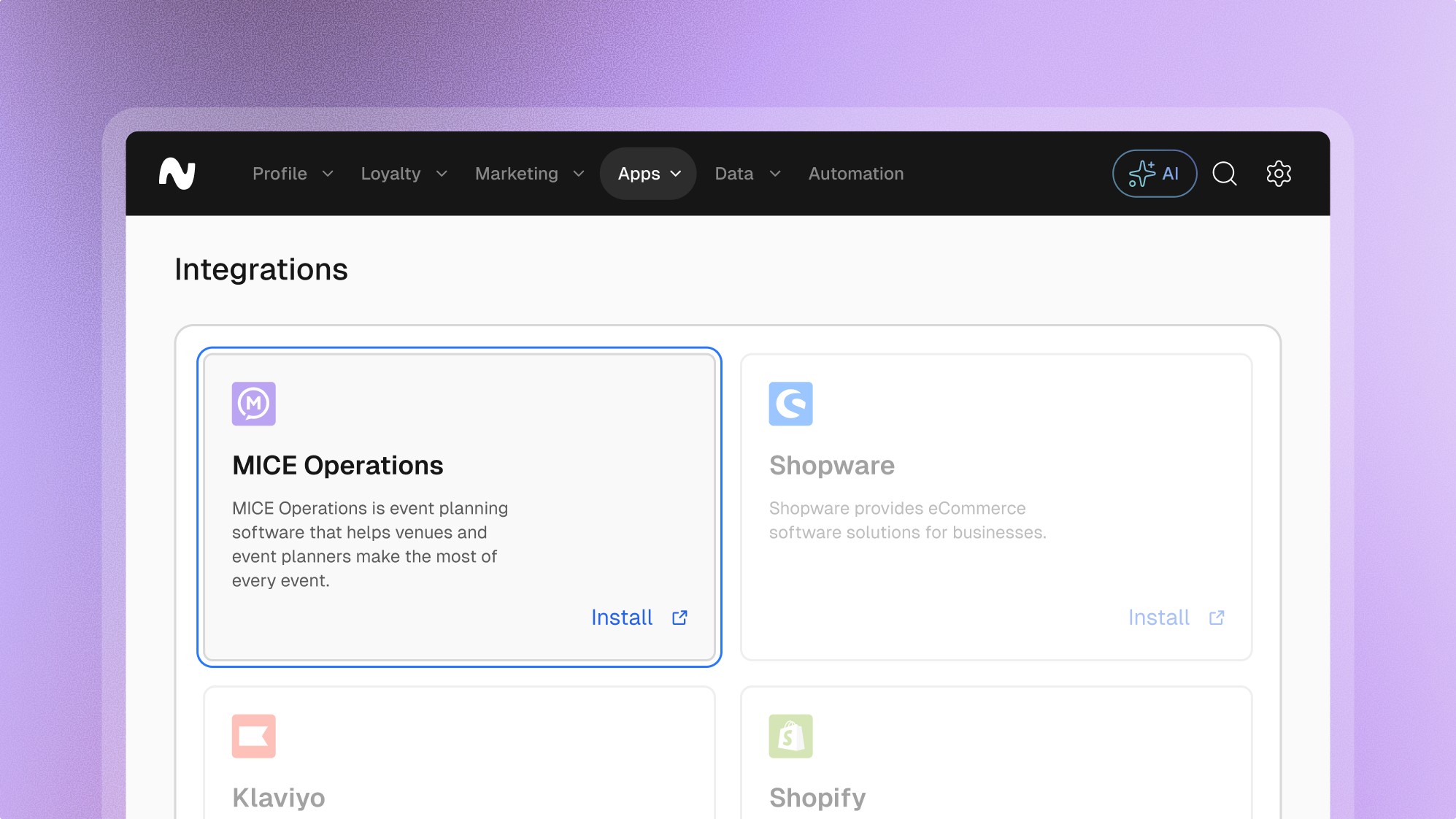
MICE Operations

Booking platform

Overview
Overview
From interactive proposals to task lists - everything comes together in one clear, central place. Your team stays on the same page, your planning stays tight, and you’ve got more time to focus on what really matters: your guests.
Frequently asked questions.
Can’t find the answer you were looking for?
What is possible with the MICE Operations integration
What are the key benefits of the MICE Operations integration
A clear overview of all documents, tasks and deadlines.
Less admin hassle, more time for creativity.
Flexibility when things change last-minute.
Proposals that match your brand - digital, stylish, and fast.
Smoother collaboration with your team.
MICE was built by people who’ve stood on the floor of event locations - not just behind a screen. That real-world experience shapes every feature, so you can work smarter, plan better, and keep the focus on creating unforgettable experiences.
What are the key benefits of the MICE Operations integration
A clear overview of all documents, tasks and deadlines.
Less admin hassle, more time for creativity.
Flexibility when things change last-minute.
Proposals that match your brand - digital, stylish, and fast.
Smoother collaboration with your team.
MICE was built by people who’ve stood on the floor of event locations - not just behind a screen. That real-world experience shapes every feature, so you can work smarter, plan better, and keep the focus on creating unforgettable experiences.
How to install the MICE Operations integration
Request Integration: Contact MICE Operations support to initiate the integration process. Ensure your MICE Operations system is compatible with Leat.
Configuration Setup: Provide necessary credentials such as API keys and integration tokens, which can be generated in the Leat dashboard during the onboarding process.
Install Extension: Download and install the Leat extension from the MICE Operations marketplace or your integration partner's repository.
Configure Settings: Configure the integration settings within MICE Operations, linking your booking system to the Leat platform and mapping relevant data fields.
How to install the MICE Operations integration
Request Integration: Contact MICE Operations support to initiate the integration process. Ensure your MICE Operations system is compatible with Leat.
Configuration Setup: Provide necessary credentials such as API keys and integration tokens, which can be generated in the Leat dashboard during the onboarding process.
Install Extension: Download and install the Leat extension from the MICE Operations marketplace or your integration partner's repository.
Configure Settings: Configure the integration settings within MICE Operations, linking your booking system to the Leat platform and mapping relevant data fields.


Start unifying
your loyalty.
Start unifying your loyalty.
Start unifying
your loyalty.
Start unifying
your loyalty.
Start unifying
your loyalty.
Loyalty modules

Features

Resources

Company
Integrations
Ask AI
Development
Leat platform