Trivec

Point of Sale & self ordering solutions
Point of Sale & self ordering solutions
Overview
Overview
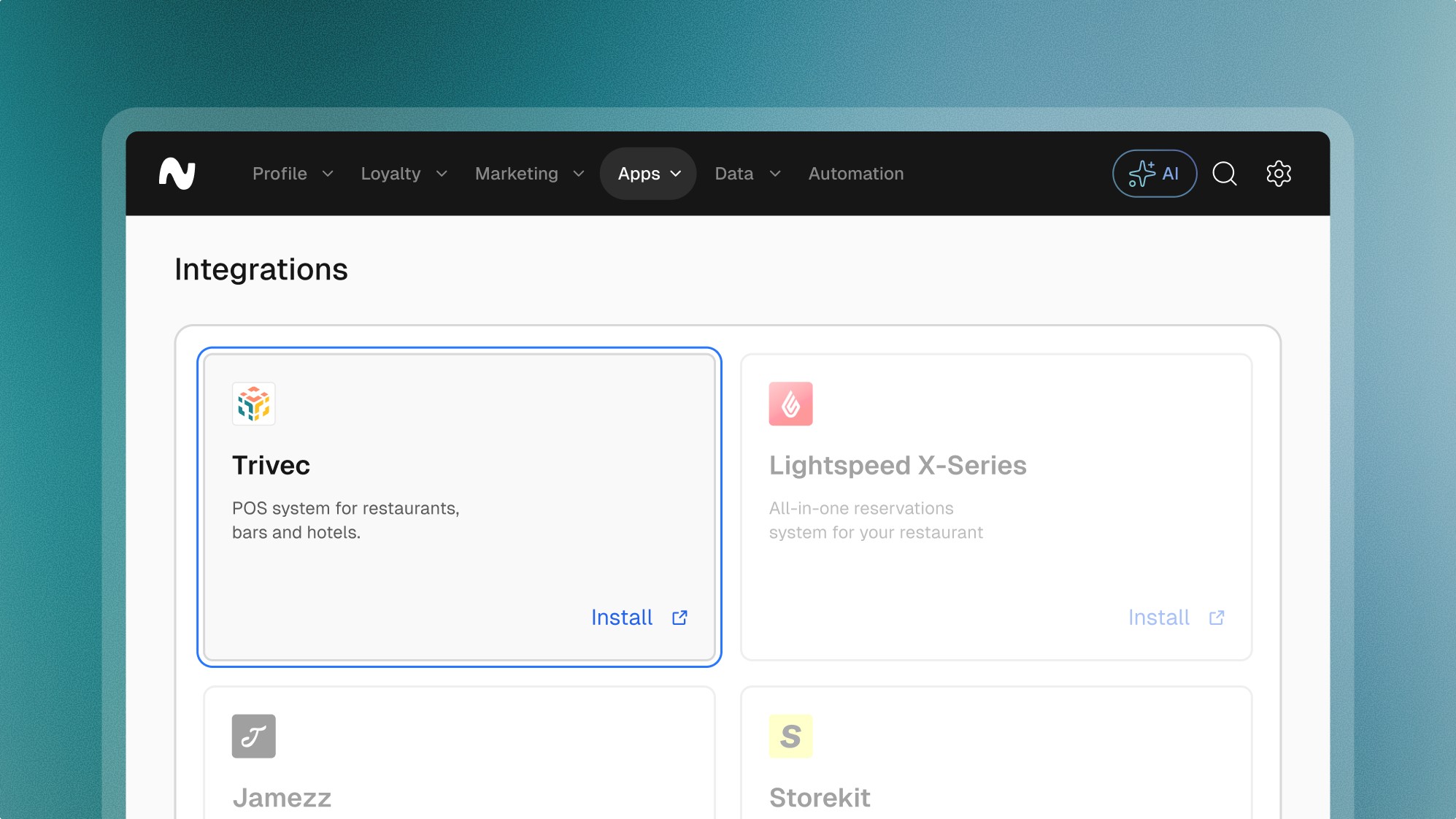
Trivec offers robust POS systems tailored for restaurants, bars, and hotels, emphasizing reliability and ease of integration with various payment methods. This makes Trivec an ideal choice for hospitality businesses looking to streamline their operations and enhance customer service.
Features
Features
Loyalty
Giftcards
Pre-paid
Vouchers
Customer profiles
Explore more integrations
Explore more integrations
Explore more integrations



Frequently asked questions.
Frequently asked questions.
Frequently asked questions.
Frequently asked questions.
Frequently asked questions.
Can’t find the answer you were looking for?
Can’t find the answer you were looking for?
What is possible with the Trivec integration
Loyalty Member Management: Businesses can create and manage loyalty member profiles directly from the POS, adding details such as birthdays and contact information to enrich customer data.
Real-time Loyalty Interactions: The POS system enables staff to scan loyalty member cards or apps quickly, view customer details, check point balances, and update account information on the fly.
Rewards Management: Users can access a participant-specific list of rewards directly on the POS system, enhancing the customer experience by facilitating immediate redemption and personalized interactions.
Gift Card Integration: The system supports scanning and managing both physical and digital gift cards directly through the POS, allowing for versatile payment and gift options.
What is possible with the Trivec integration
Loyalty Member Management: Businesses can create and manage loyalty member profiles directly from the POS, adding details such as birthdays and contact information to enrich customer data.
Real-time Loyalty Interactions: The POS system enables staff to scan loyalty member cards or apps quickly, view customer details, check point balances, and update account information on the fly.
Rewards Management: Users can access a participant-specific list of rewards directly on the POS system, enhancing the customer experience by facilitating immediate redemption and personalized interactions.
Gift Card Integration: The system supports scanning and managing both physical and digital gift cards directly through the POS, allowing for versatile payment and gift options.
What are the key benefits of the Trivec integration
Enhanced Customer Interaction: Direct integration with the POS allows for real-time loyalty actions, improving customer engagement and satisfaction.
Streamlined Operations: Incorporating loyalty programs directly into daily operations reduces complexity and increases efficiency.
Data Centralization: Consolidates customer interactions and loyalty data within the POS, providing valuable insights into customer preferences and behavior.
Flexibility in Rewards and Payments: Supports a diverse range of reward and payment schemes, including gift cards, making it versatile for different business needs.
What are the key benefits of the Trivec integration
Enhanced Customer Interaction: Direct integration with the POS allows for real-time loyalty actions, improving customer engagement and satisfaction.
Streamlined Operations: Incorporating loyalty programs directly into daily operations reduces complexity and increases efficiency.
Data Centralization: Consolidates customer interactions and loyalty data within the POS, providing valuable insights into customer preferences and behavior.
Flexibility in Rewards and Payments: Supports a diverse range of reward and payment schemes, including gift cards, making it versatile for different business needs.
How to install the Trivec integration
Contact Your Trivec Account Manager: Begin by consulting your Trivec account manager to ensure your current system is compatible with the integration.
API Key Configuration: Obtain an API key from Leat, which you can easily generate through the Leat business dashboard. This key will be entered into your Trivec POS system to activate the integration.
How to install the Trivec integration
Contact Your Trivec Account Manager: Begin by consulting your Trivec account manager to ensure your current system is compatible with the integration.
API Key Configuration: Obtain an API key from Leat, which you can easily generate through the Leat business dashboard. This key will be entered into your Trivec POS system to activate the integration.








































Start unifying
your loyalty.
Start unifying your loyalty.