Product

Solutions

About us

Product

Solutions

About us

Product

Solutions

About us

Lightspeed K-Series
Lightspeed K-Series
Lightspeed K-Series
Lightspeed K-Series
Lightspeed K-Series

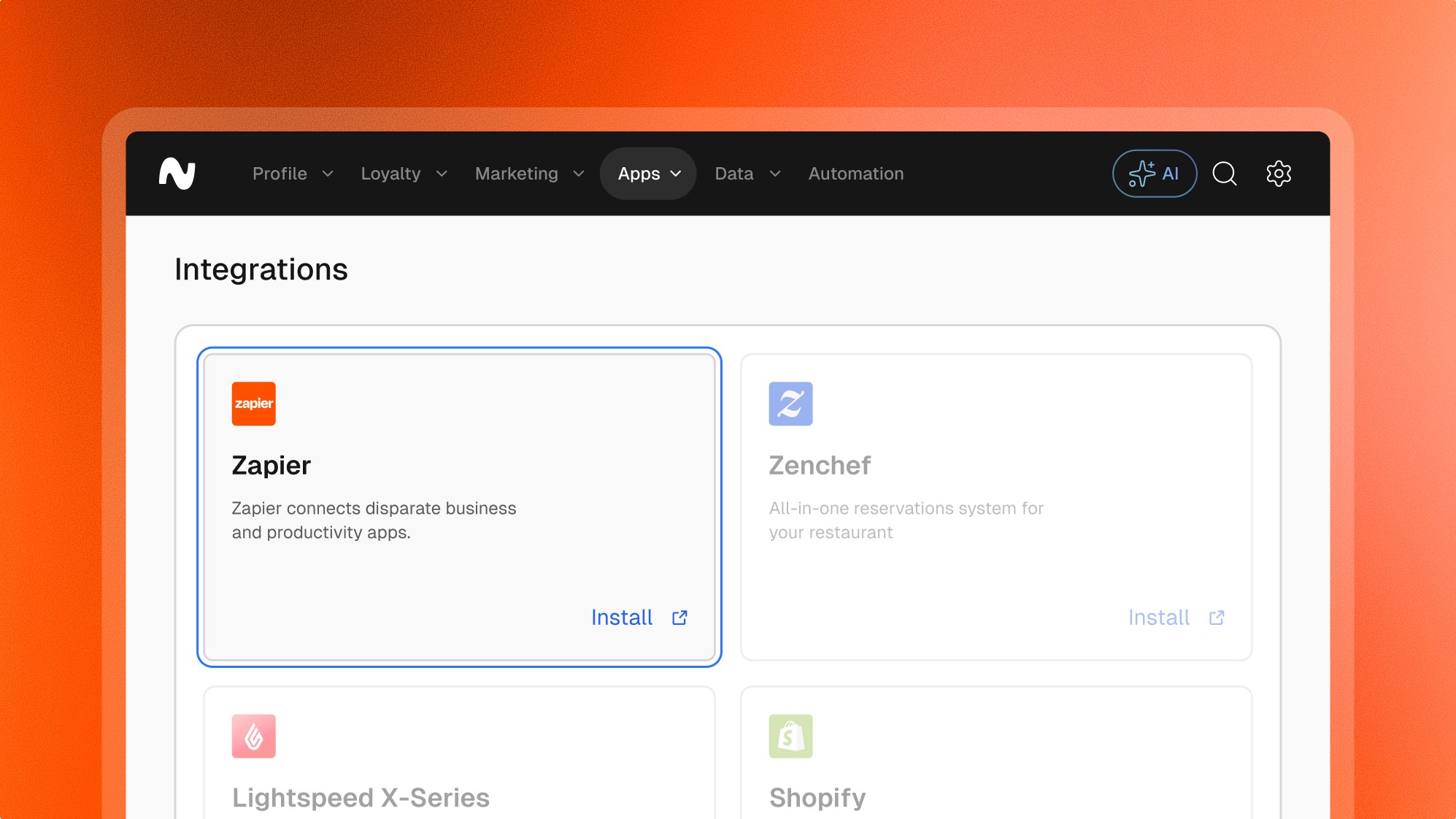
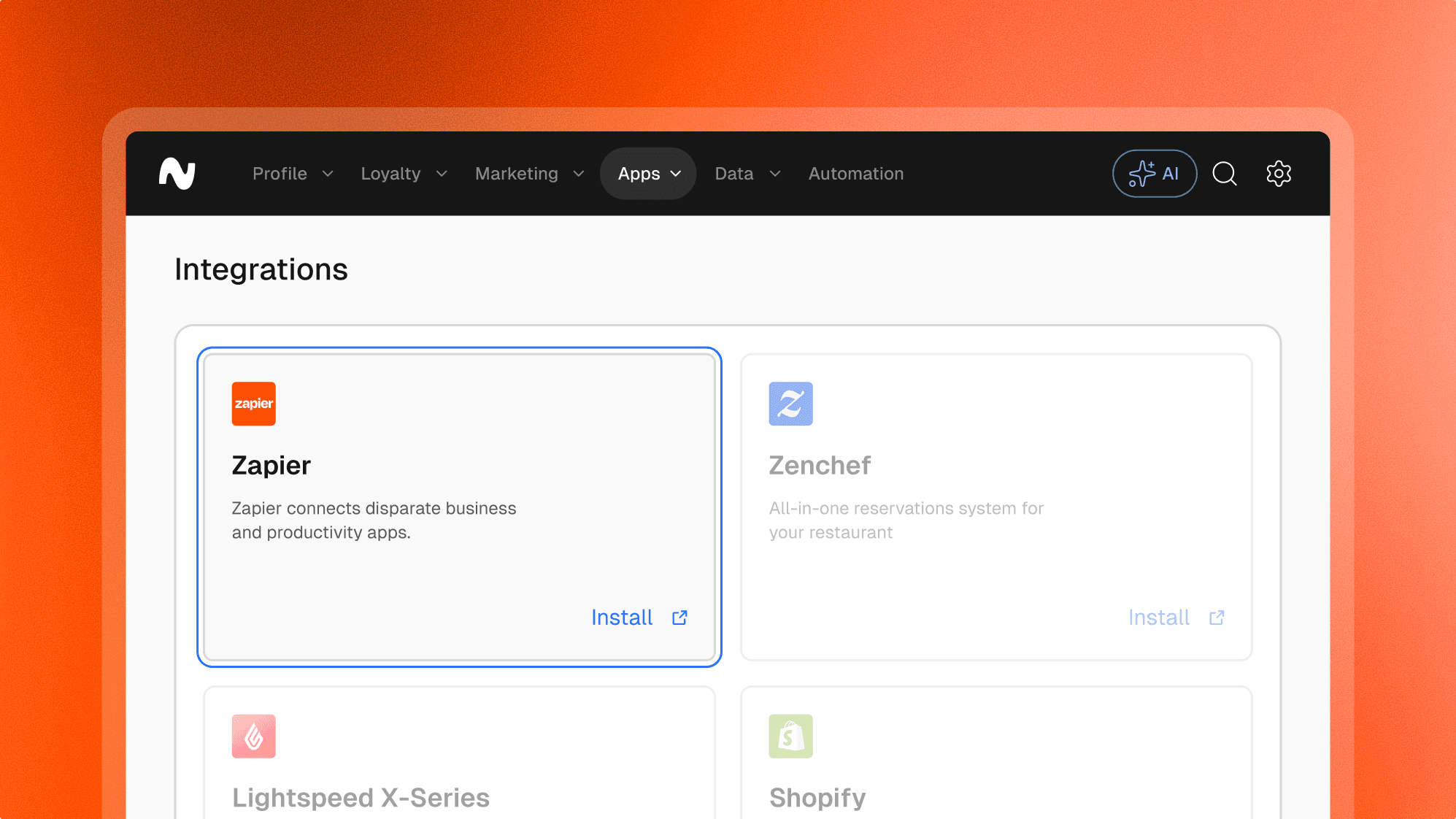
A leading automation platform that connects over 3,000 apps and services, enabling users to automate workflows.

Lightspeed K-Series
Lightspeed K-Series
Lightspeed K-Series
Lightspeed K-Series
Lightspeed K-Series

Price

Free

Developed by

Leat

Categories

Automation

More information

zapier.com

Overview

Overview

Zapier is a powerful automation platform that connects your favorite apps and services, streamlining workflows and enhancing productivity. The integration between Leat and Zapier allows businesses to automate various tasks related to customer engagement and loyalty programs, connecting Leat with over 3,000 apps.

Features

Features

Loyalty

Giftcards

Pre-paid

Vouchers

Customer profiles

Frequently asked questions.

Frequently asked questions.

Frequently asked questions.

Frequently asked questions.

Frequently asked questions.

Can’t find the answer you were looking for?

Can’t find the answer you were looking for?

Can’t find the answer you were looking for?

What is possible with the Zapier integration

  • Automated Data Transfer: Automatically send purchase amounts and customer data to Leat from various apps, ensuring loyalty points are accurately tracked.

  • Customer Engagement: Trigger customer engagement actions, such as sending welcome emails or notifications when a customer signs up for the loyalty program.

  • Point Accumulation: Automatically add points to customer accounts based on specific triggers, such as completed purchases or special promotions.

Supported triggers:
  • New Customer: Triggers when a new customer is added.

  • New Purchase: Triggers when a new purchase is made.

  • Updated Customer: Triggers when customer details are updated.

Supported actions:
  • Add Points: Adds points to a customer's loyalty account.

  • Create Customer: Creates a new customer in the loyalty program.

  • Update Customer: Updates existing customer details.

  • Send Notification: Sends a notification or email to a customer.


What is possible with the Zapier integration

  • Automated Data Transfer: Automatically send purchase amounts and customer data to Leat from various apps, ensuring loyalty points are accurately tracked.

  • Customer Engagement: Trigger customer engagement actions, such as sending welcome emails or notifications when a customer signs up for the loyalty program.

  • Point Accumulation: Automatically add points to customer accounts based on specific triggers, such as completed purchases or special promotions.

Supported triggers:
  • New Customer: Triggers when a new customer is added.

  • New Purchase: Triggers when a new purchase is made.

  • Updated Customer: Triggers when customer details are updated.

Supported actions:
  • Add Points: Adds points to a customer's loyalty account.

  • Create Customer: Creates a new customer in the loyalty program.

  • Update Customer: Updates existing customer details.

  • Send Notification: Sends a notification or email to a customer.


What is possible with the Zapier integration

  • Automated Data Transfer: Automatically send purchase amounts and customer data to Leat from various apps, ensuring loyalty points are accurately tracked.

  • Customer Engagement: Trigger customer engagement actions, such as sending welcome emails or notifications when a customer signs up for the loyalty program.

  • Point Accumulation: Automatically add points to customer accounts based on specific triggers, such as completed purchases or special promotions.

Supported triggers:
  • New Customer: Triggers when a new customer is added.

  • New Purchase: Triggers when a new purchase is made.

  • Updated Customer: Triggers when customer details are updated.

Supported actions:
  • Add Points: Adds points to a customer's loyalty account.

  • Create Customer: Creates a new customer in the loyalty program.

  • Update Customer: Updates existing customer details.

  • Send Notification: Sends a notification or email to a customer.


What is possible with the Zapier integration

  • Automated Data Transfer: Automatically send purchase amounts and customer data to Leat from various apps, ensuring loyalty points are accurately tracked.

  • Customer Engagement: Trigger customer engagement actions, such as sending welcome emails or notifications when a customer signs up for the loyalty program.

  • Point Accumulation: Automatically add points to customer accounts based on specific triggers, such as completed purchases or special promotions.

Supported triggers:
  • New Customer: Triggers when a new customer is added.

  • New Purchase: Triggers when a new purchase is made.

  • Updated Customer: Triggers when customer details are updated.

Supported actions:
  • Add Points: Adds points to a customer's loyalty account.

  • Create Customer: Creates a new customer in the loyalty program.

  • Update Customer: Updates existing customer details.

  • Send Notification: Sends a notification or email to a customer.


What is possible with the Zapier integration

  • Automated Data Transfer: Automatically send purchase amounts and customer data to Leat from various apps, ensuring loyalty points are accurately tracked.

  • Customer Engagement: Trigger customer engagement actions, such as sending welcome emails or notifications when a customer signs up for the loyalty program.

  • Point Accumulation: Automatically add points to customer accounts based on specific triggers, such as completed purchases or special promotions.

Supported triggers:
  • New Customer: Triggers when a new customer is added.

  • New Purchase: Triggers when a new purchase is made.

  • Updated Customer: Triggers when customer details are updated.

Supported actions:
  • Add Points: Adds points to a customer's loyalty account.

  • Create Customer: Creates a new customer in the loyalty program.

  • Update Customer: Updates existing customer details.

  • Send Notification: Sends a notification or email to a customer.


What are the key benefits of the Zapier integration

  • Enhanced Automation: Streamlines the management of loyalty programs by automating data transfer and customer engagement tasks.

  • Increased Efficiency: Reduces manual entry and potential errors, saving time and improving accuracy.

  • Better Customer Insights: Integrates with CRM and marketing tools to provide deeper insights into customer behavior and preferences.

What are the key benefits of the Zapier integration

  • Enhanced Automation: Streamlines the management of loyalty programs by automating data transfer and customer engagement tasks.

  • Increased Efficiency: Reduces manual entry and potential errors, saving time and improving accuracy.

  • Better Customer Insights: Integrates with CRM and marketing tools to provide deeper insights into customer behavior and preferences.

What are the key benefits of the Zapier integration

  • Enhanced Automation: Streamlines the management of loyalty programs by automating data transfer and customer engagement tasks.

  • Increased Efficiency: Reduces manual entry and potential errors, saving time and improving accuracy.

  • Better Customer Insights: Integrates with CRM and marketing tools to provide deeper insights into customer behavior and preferences.

What are the key benefits of the Zapier integration

  • Enhanced Automation: Streamlines the management of loyalty programs by automating data transfer and customer engagement tasks.

  • Increased Efficiency: Reduces manual entry and potential errors, saving time and improving accuracy.

  • Better Customer Insights: Integrates with CRM and marketing tools to provide deeper insights into customer behavior and preferences.

What are the key benefits of the Zapier integration

  • Enhanced Automation: Streamlines the management of loyalty programs by automating data transfer and customer engagement tasks.

  • Increased Efficiency: Reduces manual entry and potential errors, saving time and improving accuracy.

  • Better Customer Insights: Integrates with CRM and marketing tools to provide deeper insights into customer behavior and preferences.

How to install the Zapier integration

  1. Request Integration: Sign up for a Zapier account if you haven't already. Search for the Leat app within Zapier and choose the desired integrations.

  2. Configuration Setup: Provide necessary credentials such as API keys and authorization tokens, which can be generated in the Leat dashboard during the onboarding process.

  3. Select Zap Templates: Choose from pre-made Zap templates or create custom Zaps to connect Leat with other apps you use.


How to install the Zapier integration

  1. Request Integration: Sign up for a Zapier account if you haven't already. Search for the Leat app within Zapier and choose the desired integrations.

  2. Configuration Setup: Provide necessary credentials such as API keys and authorization tokens, which can be generated in the Leat dashboard during the onboarding process.

  3. Select Zap Templates: Choose from pre-made Zap templates or create custom Zaps to connect Leat with other apps you use.

How to install the Zapier integration

  1. Request Integration: Sign up for a Zapier account if you haven't already. Search for the Leat app within Zapier and choose the desired integrations.

  2. Configuration Setup: Provide necessary credentials such as API keys and authorization tokens, which can be generated in the Leat dashboard during the onboarding process.

  3. Select Zap Templates: Choose from pre-made Zap templates or create custom Zaps to connect Leat with other apps you use.

How to install the Zapier integration

  1. Request Integration: Sign up for a Zapier account if you haven't already. Search for the Leat app within Zapier and choose the desired integrations.

  2. Configuration Setup: Provide necessary credentials such as API keys and authorization tokens, which can be generated in the Leat dashboard during the onboarding process.

  3. Select Zap Templates: Choose from pre-made Zap templates or create custom Zaps to connect Leat with other apps you use.

How to install the Zapier integration

  1. Request Integration: Sign up for a Zapier account if you haven't already. Search for the Leat app within Zapier and choose the desired integrations.

  2. Configuration Setup: Provide necessary credentials such as API keys and authorization tokens, which can be generated in the Leat dashboard during the onboarding process.

  3. Select Zap Templates: Choose from pre-made Zap templates or create custom Zaps to connect Leat with other apps you use.

Start unifying

your loyalty.

Start unifying your loyalty.

Start unifying

your loyalty.

Start unifying

your loyalty.

Start unifying

your loyalty.

Loyalty modules

Features

Resources

Company

Integrations

Ask AI

Development

Leat platform

Loyalty modules

Features

Resources

Company

Integrations

Ask AI

Development

Leat platform

Loyalty modules

Features

Resources

Company

Integrations

Ask AI

Development

Leat platform