Belorder

Kiosk & self ordering solutions
Kiosk & self ordering solutions
Overview
Overview
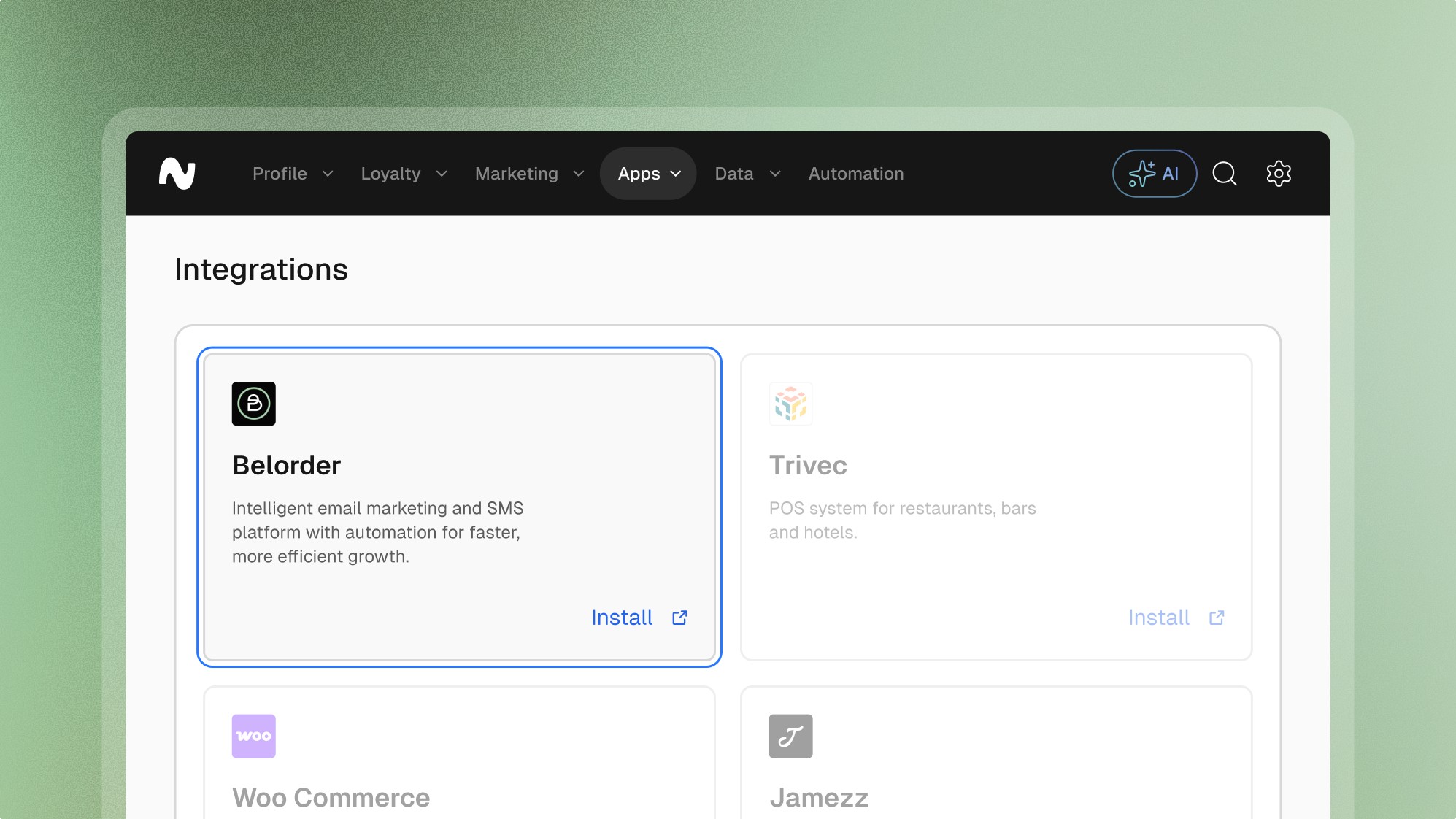
By integrating Leat with Belorder, businesses can seamlessly connect their loyalty programs to the ordering process, improving operational efficiency and customer experience.
Features
Features
Loyalty
Giftcards
Pre-paid
Vouchers
Customer profiles
Explore more integrations
Explore more integrations
Explore more integrations



Frequently asked questions.
Frequently asked questions.
Frequently asked questions.
Frequently asked questions.
Frequently asked questions.
Can’t find the answer you were looking for?
Can’t find the answer you were looking for?
What is possible with the Belorder integration
Data Syncing: Sync customer order data between Belorder and Leat to ensure accurate and consistent loyalty tracking.
Loyalty Points Allocation: Automatically award loyalty points for purchases made through Belorder’s ordering platform, eliminating manual updates.
Integrated Rewards Redemption: Enable customers to redeem loyalty points for discounts or perks directly within the Belorder platform during checkout.
Customer Recognition: Identify loyalty members when they place orders through Belorder, linking their purchase data to their loyalty profile in Leat.
Unified Reporting: Combine Belorder ordering data with loyalty insights from Leat for a comprehensive view of customer behavior.
What is possible with the Belorder integration
Data Syncing: Sync customer order data between Belorder and Leat to ensure accurate and consistent loyalty tracking.
Loyalty Points Allocation: Automatically award loyalty points for purchases made through Belorder’s ordering platform, eliminating manual updates.
Integrated Rewards Redemption: Enable customers to redeem loyalty points for discounts or perks directly within the Belorder platform during checkout.
Customer Recognition: Identify loyalty members when they place orders through Belorder, linking their purchase data to their loyalty profile in Leat.
Unified Reporting: Combine Belorder ordering data with loyalty insights from Leat for a comprehensive view of customer behavior.
What are the key benefits of the Belorder integration
Streamlined Loyalty Operations: Automate the process of awarding and redeeming loyalty points through Belorder’s ordering system.
Improved Customer Experience: Enhance the ordering process by integrating loyalty rewards directly into Belorder’s workflows.
Accurate Data Synchronization: Ensure all order and loyalty data is synchronized across platforms for reliable tracking and reporting.
Operational Efficiency: Save time by eliminating the need for manual updates or separate systems for orders and loyalty management.
Enhanced Insights: Use combined data from Belorder and Leat to better understand customer preferences and drive loyalty initiatives.
What are the key benefits of the Belorder integration
Streamlined Loyalty Operations: Automate the process of awarding and redeeming loyalty points through Belorder’s ordering system.
Improved Customer Experience: Enhance the ordering process by integrating loyalty rewards directly into Belorder’s workflows.
Accurate Data Synchronization: Ensure all order and loyalty data is synchronized across platforms for reliable tracking and reporting.
Operational Efficiency: Save time by eliminating the need for manual updates or separate systems for orders and loyalty management.
Enhanced Insights: Use combined data from Belorder and Leat to better understand customer preferences and drive loyalty initiatives.
How to install the Belorder integration
Request Integration: Contact Belorder support to verify system compatibility and initiate the integration process.
API Key Configuration: Generate an API key in your Leat dashboard, which will be used to link the two systems.
System Configuration: Enter the API key into Belorder’s platform to establish the connection between Leat and Belorder.
How to install the Belorder integration
Request Integration: Contact Belorder support to verify system compatibility and initiate the integration process.
API Key Configuration: Generate an API key in your Leat dashboard, which will be used to link the two systems.
System Configuration: Enter the API key into Belorder’s platform to establish the connection between Leat and Belorder.








































Start unifying
your loyalty.
Start unifying your loyalty.