Foodticket

Commerce platform
Commerce platform
Overview
Overview
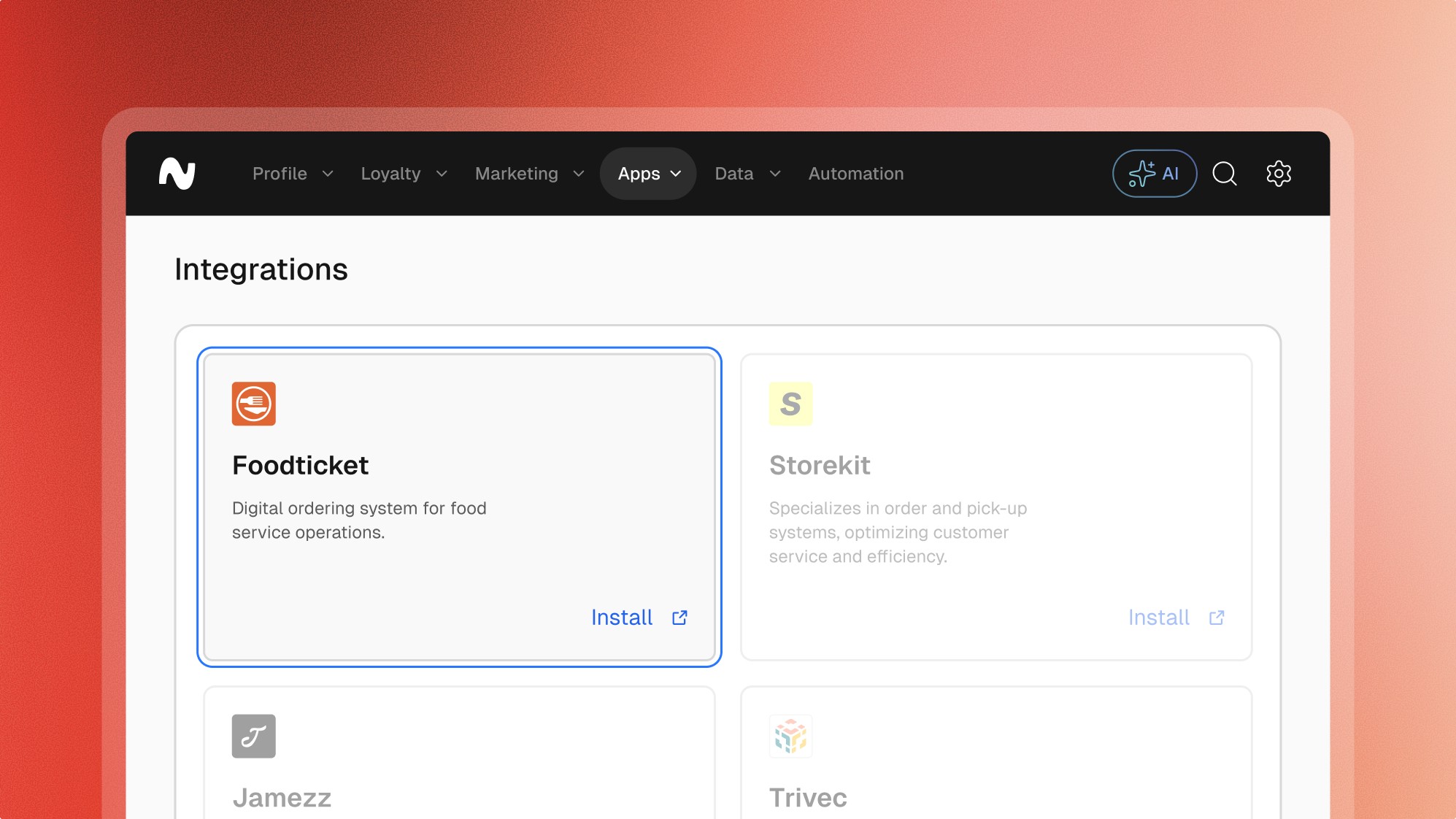
Foodticket is an advanced ordering platform designed to streamline the ordering process for restaurants and food businesses. The integration between Leat and Foodticket allows businesses to leverage order data to enhance customer engagement and loyalty programs.
Features
Features
Loyalty
Giftcards
Pre-paid
Vouchers
Customer profiles
Explore more integrations
Explore more integrations
Explore more integrations



Frequently asked questions.
Frequently asked questions.
Frequently asked questions.
Frequently asked questions.
Frequently asked questions.
Can’t find the answer you were looking for?
Can’t find the answer you were looking for?
What is possible with the Foodticket integration
Order Data Synchronization: Automatically sync order data from Foodticket to Leat, ensuring accurate tracking of customer purchases and preferences.
Customer Profile Creation: Generate detailed customer profiles in Leat based on order data, enabling personalized engagement and marketing.
Automated Loyalty Points: Award loyalty points for orders processed through Foodticket, encouraging repeat business and customer retention.
Engagement Campaigns: Use order history data to create targeted marketing and engagement campaigns.
Reward Redemption: Enable customers to redeem loyalty points for discounts or perks directly through the Foodticket platform.
What is possible with the Foodticket integration
Order Data Synchronization: Automatically sync order data from Foodticket to Leat, ensuring accurate tracking of customer purchases and preferences.
Customer Profile Creation: Generate detailed customer profiles in Leat based on order data, enabling personalized engagement and marketing.
Automated Loyalty Points: Award loyalty points for orders processed through Foodticket, encouraging repeat business and customer retention.
Engagement Campaigns: Use order history data to create targeted marketing and engagement campaigns.
Reward Redemption: Enable customers to redeem loyalty points for discounts or perks directly through the Foodticket platform.
What are the key benefits of the Foodticket integration
Enhanced Engagement: Utilize order data to drive personalized customer interactions.
Profile Automation: Automatically create and update customer profiles based on order information.
Increased Loyalty: Reward customers for their orders, boosting loyalty and repeat visits.
Targeted Marketing: Leverage detailed order data for more effective marketing campaigns.
Seamless Operations: Integrate ordering processes with loyalty programs for a unified customer experience.
What are the key benefits of the Foodticket integration
Enhanced Engagement: Utilize order data to drive personalized customer interactions.
Profile Automation: Automatically create and update customer profiles based on order information.
Increased Loyalty: Reward customers for their orders, boosting loyalty and repeat visits.
Targeted Marketing: Leverage detailed order data for more effective marketing campaigns.
Seamless Operations: Integrate ordering processes with loyalty programs for a unified customer experience.
How to install the Foodticket integration
Request Integration: Contact Foodticket support to initiate the integration process. Ensure your Foodticket system is compatible with Leat.
Configuration Setup: Provide necessary credentials such as API keys and integration tokens, which can be generated in the Leat dashboard during the onboarding process.
Install Extension: Download and install the Leat extension from the Foodticket marketplace or your integration partner's repository.
Configure Settings: Configure the integration settings within Foodticket, linking your ordering system to the Leat platform and mapping relevant data fields.
How to install the Foodticket integration
Request Integration: Contact Foodticket support to initiate the integration process. Ensure your Foodticket system is compatible with Leat.
Configuration Setup: Provide necessary credentials such as API keys and integration tokens, which can be generated in the Leat dashboard during the onboarding process.
Install Extension: Download and install the Leat extension from the Foodticket marketplace or your integration partner's repository.
Configure Settings: Configure the integration settings within Foodticket, linking your ordering system to the Leat platform and mapping relevant data fields.






































Start unifying
your loyalty.
Start unifying your loyalty.