NCR Aloha
Point of Sale solutions
Point of Sale solutions
Overview
Overview
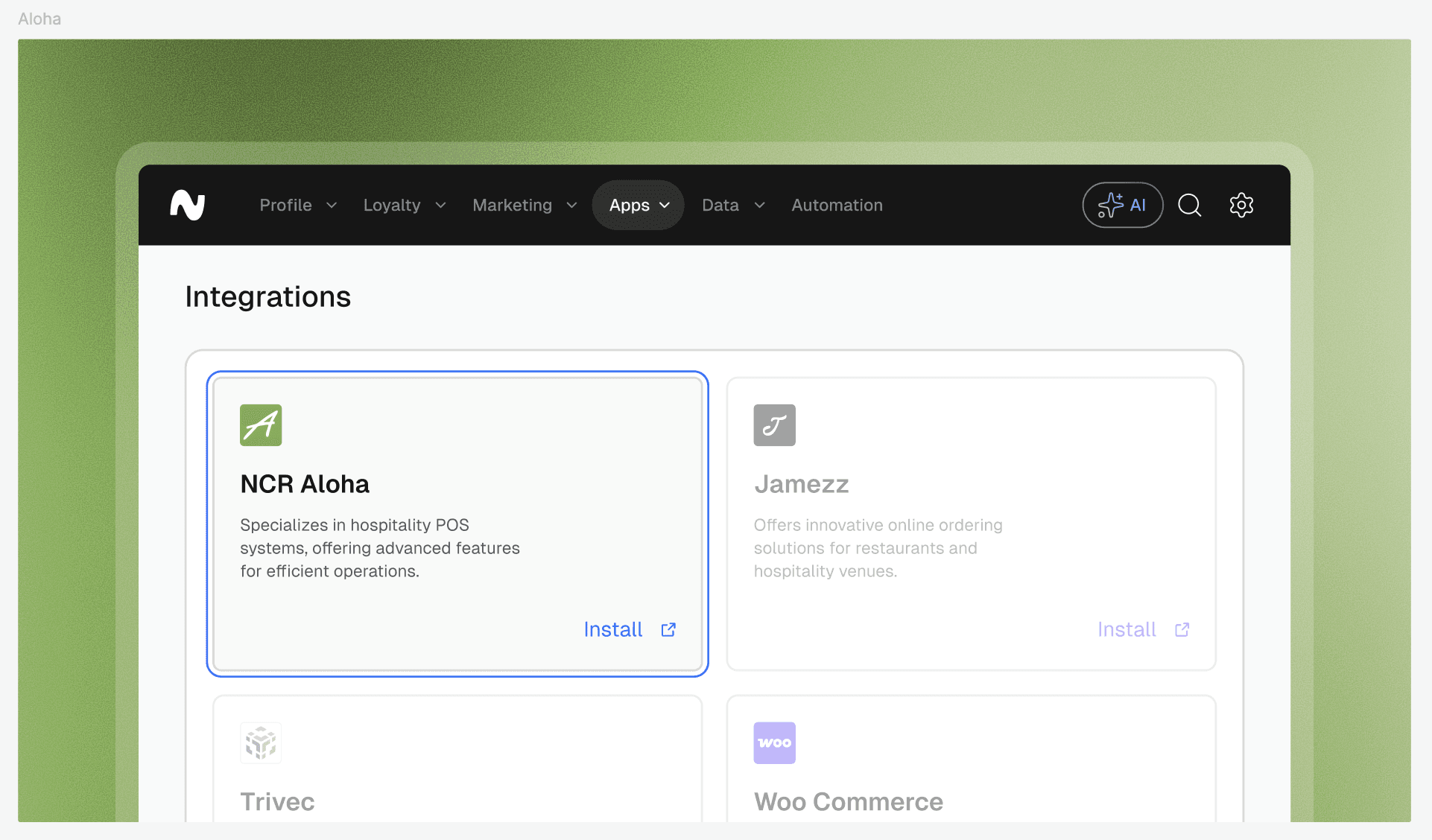
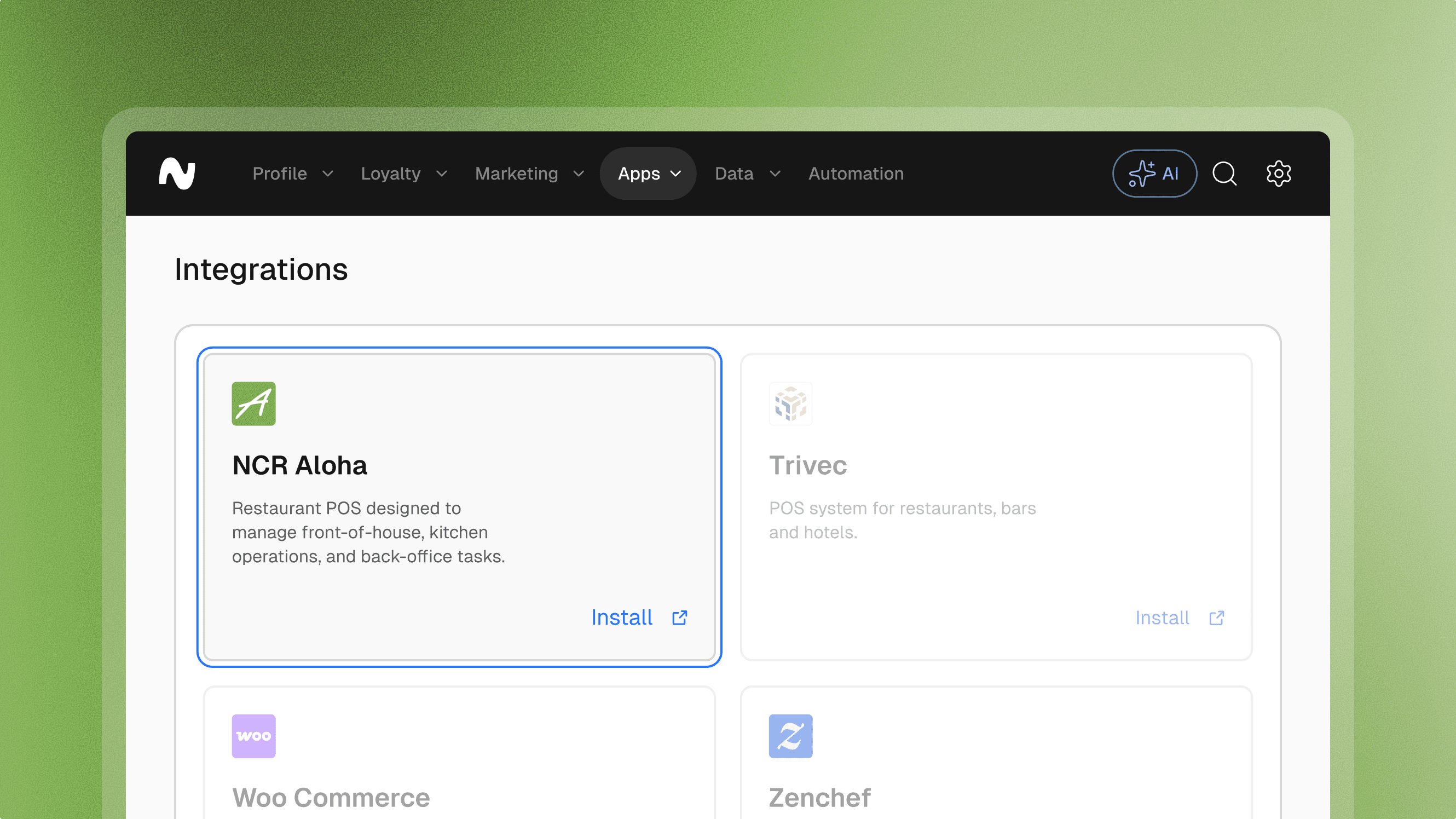
NCR Aloha is a robust cloud-based POS system designed to optimize front-of-house service, kitchen efficiency, and back-office operations for hospitality brands. This integration syncs real-time transaction data to automate loyalty rewards, update customer profiles, and drive repeat revenue through a unified guest experience.
Features
Features
Loyalty
Giftcards
Pre-paid
Vouchers
Customer profiles
Explore more integrations
Explore more integrations
Explore more integrations



Frequently asked questions.
Frequently asked questions.
Frequently asked questions.
Frequently asked questions.
Frequently asked questions.
Can’t find the answer you were looking for?
Can’t find the answer you were looking for?
What is possible with the NCR Aloha integration
Transaction Data Synchronization: Automatically sync transaction data from NCR Aloha to Leat, ensuring accurate tracking of customer purchases and behavior across all locations.
Customer Profile Creation: Generate detailed customer profiles in Leat based on real-time transaction data, enabling highly personalized engagement and localized marketing.
Automated Loyalty & Credits: Award loyalty points or store credit automatically for transactions processed through Aloha Cloud, encouraging consistent repeat visits.
Targeted Engagement Campaigns: Use purchase history and item-level transaction data to create specific marketing campaigns for different guest segments.
Omnichannel Reward Redemption: Enable customers to redeem loyalty points, vouchers, or gift cards for discounts and perks directly through the Aloha POS interface.
What is possible with the NCR Aloha integration
Transaction Data Synchronization: Automatically sync transaction data from NCR Aloha to Leat, ensuring accurate tracking of customer purchases and behavior across all locations.
Customer Profile Creation: Generate detailed customer profiles in Leat based on real-time transaction data, enabling highly personalized engagement and localized marketing.
Automated Loyalty & Credits: Award loyalty points or store credit automatically for transactions processed through Aloha Cloud, encouraging consistent repeat visits.
Targeted Engagement Campaigns: Use purchase history and item-level transaction data to create specific marketing campaigns for different guest segments.
Omnichannel Reward Redemption: Enable customers to redeem loyalty points, vouchers, or gift cards for discounts and perks directly through the Aloha POS interface.
What are the key benefits of the NCR Aloha integration
Unified Guest Experience: Seamlessly integrate your POS transactions with your loyalty program to ensure a frictionless experience for both staff and guests.
Advanced Profile Automation: Automatically build and update customer profiles with every swipe or scan, reducing manual data entry and improving database hygiene.
Drive Repeat Revenue: Reward customers for their specific buying habits, boosting overall loyalty and increasing lifetime value.
Incentivized Messaging: Leverage detailed transaction data from Aloha to send automated, incentivized emails that bring customers back through your doors.
Streamlined Multi-Site Operations: Manage loyalty and rewards across multiple locations centrally, with all data syncing back to your Leat dashboard in real-time.
What are the key benefits of the NCR Aloha integration
Unified Guest Experience: Seamlessly integrate your POS transactions with your loyalty program to ensure a frictionless experience for both staff and guests.
Advanced Profile Automation: Automatically build and update customer profiles with every swipe or scan, reducing manual data entry and improving database hygiene.
Drive Repeat Revenue: Reward customers for their specific buying habits, boosting overall loyalty and increasing lifetime value.
Incentivized Messaging: Leverage detailed transaction data from Aloha to send automated, incentivized emails that bring customers back through your doors.
Streamlined Multi-Site Operations: Manage loyalty and rewards across multiple locations centrally, with all data syncing back to your Leat dashboard in real-time.
How to install the NCR Aloha integration
Request Integration: Reach out to your NCR Voyix account manager or Aloha support representative to enable API access for your specific site(s).
Configuration Setup: In your Leat dashboard, navigate to the Integrations section to generate your unique API keys and integration tokens required for the handshake.
Mapping Data Fields: Within the Leat settings, map your Aloha transaction fields (such as item categories or spend thresholds) to ensure loyalty rules trigger correctly.
Verify Connection: Run a test transaction on your Aloha POS to confirm that customer data is flowing into Leat and that rewards are visible on the payment screen.
How to install the NCR Aloha integration
Request Integration: Reach out to your NCR Voyix account manager or Aloha support representative to enable API access for your specific site(s).
Configuration Setup: In your Leat dashboard, navigate to the Integrations section to generate your unique API keys and integration tokens required for the handshake.
Mapping Data Fields: Within the Leat settings, map your Aloha transaction fields (such as item categories or spend thresholds) to ensure loyalty rules trigger correctly.
Verify Connection: Run a test transaction on your Aloha POS to confirm that customer data is flowing into Leat and that rewards are visible on the payment screen.








































Start unifying
your loyalty.
Start unifying your loyalty.